
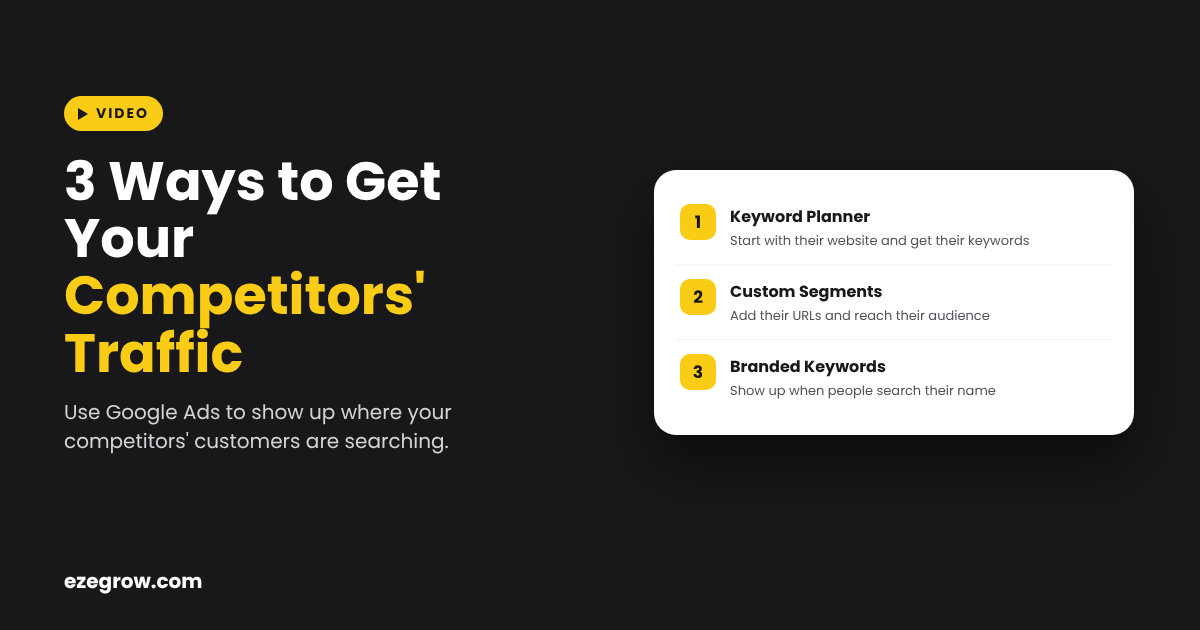
Your competitors traffic can also come to you if you use Google Ads the right way, and here are 3 ways which we showed in the video.
How to Get Your Competitors Traffic With Google Ads
First, go to Keyword Planner in Google Ads, choose “start with a website” and add your competitor’s website. Google will give you a list of keywords related to that website, and you can put those keywords in your search campaign.
Second, make a custom segment with their URLs. Go to Custom Segments, add their website, and then you can run a display or video campaign to show your ads to their audience.
Third, run a search campaign on their branded keywords, so when a customer searches for them, then you also show up there.
If you want help to set up these strategies in your account, then get a quote from us today. Get a Quote →

Zeeshan Ali is the founder of EZE Grow and a Google Ads specialist for HVAC, plumbing and water damage companies. Read his latest Google Ads guides.