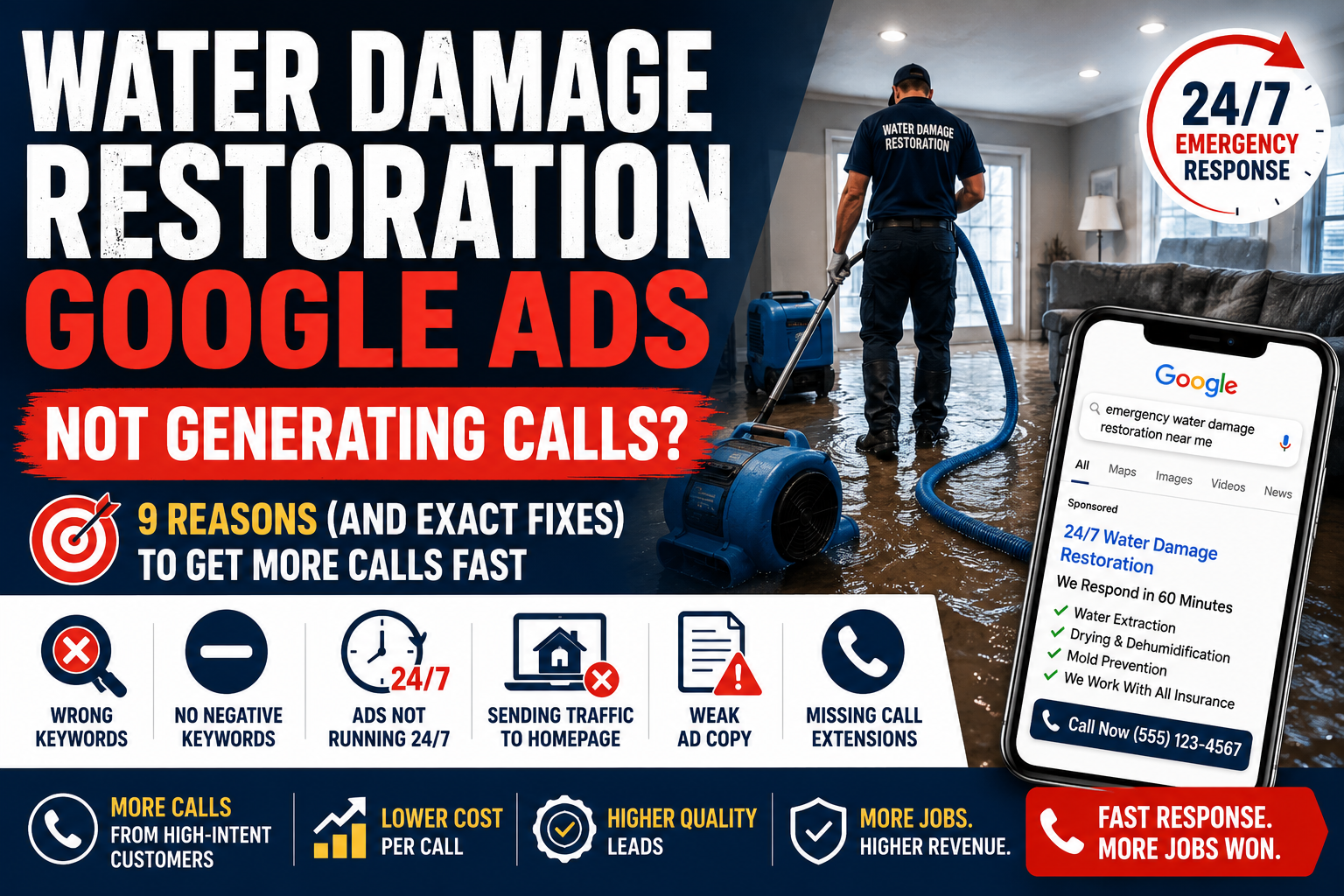
Water damage restoration Google Ads not generating calls is one of the most costly problems a restoration company can face. You’re spending money every day, but the phone stays quiet during exactly the hours when emergency calls should be coming in. The good news: this is almost always fixable, and most of these problems come down to a handful of setup mistakes.
In this guide, we’ll walk through the exact reasons this happens and how to fix each one fast.
In this guide:
- Wrong keywords: the #1 budget killer
- Empty negative keyword list
- Ads not running 24/7
- Sending traffic to your homepage
- Weak ad copy for an emergency service
- Missing call extensions
- Location targeting errors
- Low Quality Score
- No call tracking
- Budget too small for your market
Reason #1: You Are Targeting the Wrong Keywords
This is the single most common mistake in restoration Google Ads accounts. Many companies bid on broad terms like “water damage” or “restoration services.” The problem: these keywords attract people researching the restoration process, comparing companies for later, or even job seekers, not homeowners with an active flood who need someone on site today.
The Fix: Target High-Intent Emergency Keywords Only
You want keywords that show active urgency. Examples:
- “emergency water damage restoration”
- “flooded basement help”
- “water damage restoration near me”
- “24 hour water damage service”
- “burst pipe water damage repair”
Avoid broad, informational keywords like:
- “what is water damage restoration”
- “how does water damage restoration work”
- “water damage restoration process”
These people are researching, not calling.
Action step: In your Google Ads account, click Search Terms under your campaign and review what searches are actually triggering your ads. You’ll likely find irrelevant searches eating your budget.
Reason #2: Your Negative Keyword List Is Empty
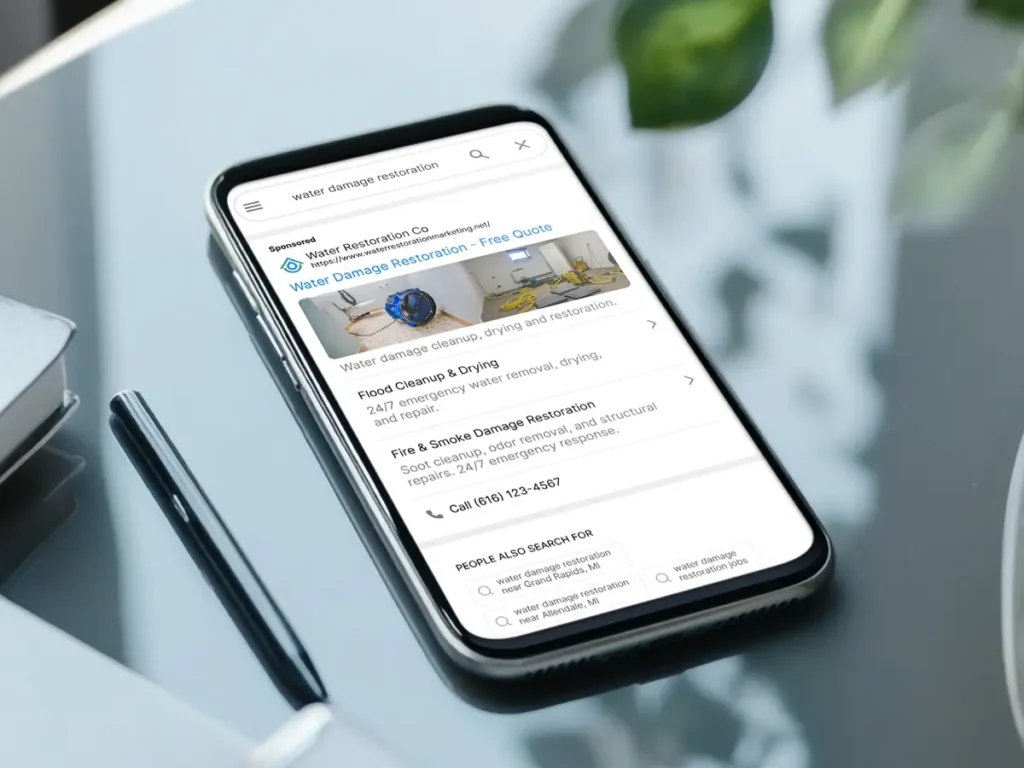
Even with good target keywords, broad match will show your ads for searches you never want, like “water damage restoration jobs,” “IICRC certification,” or “DIY water damage repair.”
If a job seeker or DIY searcher clicks your ad, that’s $15 to $50 down the drain instantly, given how expensive restoration clicks run.
The Fix: Build a Negative Keyword List Immediately
Add these to your negative keywords right now:
- jobs, careers, hiring, training, certification
- DIY, how to, dry out yourself
- renters insurance, landlord responsibility
- what is, how does, process
- dehumidifier rental, wet vac, fans rental
Review your Search Terms report weekly in the first month and add new negatives as you spot irrelevant traffic.
Reason #3: Your Ads Are Not Running 24/7
Water damage does not happen on a schedule. Pipes burst at 2 AM. Storms hit on weekends. If your restoration ads pause outside business hours, you are handing the highest-intent, highest-panic searches directly to a competitor.
The Fix: Run Emergency Campaigns Around the Clock
- Go to your campaign settings in Google Ads
- Confirm your ad schedule covers all 24 hours for emergency keywords
- Increase bid adjustments for evening, overnight, and weekend hours, since search volume for emergency terms often spikes then
- If you use an answering service, make sure it picks up quickly. A missed call at 2 AM is a lost job to whoever answers first.
Reason #4: You Are Sending Traffic to Your Homepage
This is a budget killer that most restoration owners never notice. Someone searches “flooded basement help,” clicks your ad, and lands on a homepage covering your company history, every service you offer, and a blog. The customer in a panic does not see an immediate answer and leaves.
The Fix: Create Dedicated Landing Pages
Each emergency type needs its own page:
- Water damage ad → Water Damage Restoration landing page
- Flooded basement ad → Flooded Basement Cleanup landing page
- Mold remediation ad → Mold Remediation landing page
Each landing page must have:
- A headline matching the ad (“Emergency Water Damage Repair in [City], We Respond in 60 Minutes”)
- Phone number at the top, large and click to call on mobile
- Response time promise above the fold
- Trust badges (IICRC certified, licensed, insurance-approved)
- No navigation menu, remove distractions
Dedicated landing pages consistently convert far better than sending emergency traffic to a general homepage, which is one reason well-structured restoration campaigns outperform poorly structured ones by a wide margin.
Reason #5: Your Ad Copy Doesn’t Sound Like an Emergency Service
You are competing with 3 to 7 other restoration companies for the same search. If your ad copy reads like a generic services listing, customers click whichever result feels fastest and most trustworthy, often not you.
The Fix: Write Ads That Signal Speed and Trust
Weak ad copy:
“ABC Restoration. Water, Fire, Mold Services. Call Today.”
Strong ad copy:
“Flooded Basement? We’re There in 60 Min. 24/7 Emergency Response. We Work With All Insurance.”
4 elements every high-converting restoration ad must have:
- Response time: “60-Minute Response,” “24/7 Emergency”
- Insurance mention: “We Work With All Insurance Companies”
- Trust signal: “IICRC Certified,” “Licensed & Insured”
- Strong CTA: “Call Now,” “Free Inspection,” “Get Help Now”
Reason #6: You Are Not Using Call Assets
If your ad does not show your phone number directly, you’re missing easy calls from mobile users who will never visit your website first.
The Fix: Add Call Assets to Every Campaign
- In Google Ads, go to Assets → Call
- Add your business phone number
- Set it to show 24/7 if your team answers around the clock
- Consider Call-Only Ads for mobile, where the only action available is a phone call
For restoration specifically, call-only ads convert exceptionally well because a customer standing in a flooding basement wants to talk to a human immediately, not browse a website.
Reason #7: Your Location Targeting Is Off
Many restoration campaigns are set up with location targeting that is either too broad (entire state) or misconfigured. Google’s default “Presence or interest” setting can show your ads to people who are simply interested in your area, not physically located there. This means your budget can leak to people outside your actual service radius.
The Fix: Tighten Your Location Settings
- Go to Campaign Settings → Locations
- Change targeting to “Presence: People in or regularly in your targeted locations” only
- Target by zip codes or a radius around your actual service area
- Explicitly exclude areas you don’t serve
Reason #8: Your Quality Score Is Low
Google grades your ads on a Quality Score (1 to 10) based on keyword relevance, ad relevance, and expected click through rate. A low score means Google charges you more per click and shows your ad less often.
The Fix: Improve Relevance at Every Step
The keyword, ad, and landing page must all closely match.
Example of a high Quality Score setup:
- Keyword: “flooded basement Chicago”
- Ad headline: “Flooded Basement in Chicago? We’re There in 60 Min”
- Landing page headline: “Chicago Flooded Basement Cleanup, Fast, Licensed, Insurance-Approved”
Everything matches. Google rewards this with lower CPCs and better placement.
Reason #9: You Have No Call Tracking
If you don’t know which keyword and ad produced each call, you cannot optimize anything. Most restoration owners can tell you they “got some calls last week” but not which keyword, which ad, or what time of day drove them.
The Fix: Set Up Call Tracking Today
- In Google Ads, go to Goals → Conversions → New conversion action
- Select Phone calls
- Set minimum call duration to 60 seconds to filter out wrong numbers
- Install the Google tag on your website
For deeper tracking, including call recordings and keyword-level attribution, a tool like CallRail alongside Google’s built-in tracking gives you the fullest picture.
Reason #10: Your Budget Is Too Small for Your Market
Restoration keywords are some of the most expensive in Google Ads, often $20 to $50 per click for emergency terms in competitive metros. If your daily budget can only afford 5 to 10 clicks, you’re not running a real test of the channel.
The Fix: Match Your Budget to the Job Value
Restoration jobs justify a higher cost per click than almost any other home service category. Water and freezing claims made up roughly a quarter of all homeowner insurance claims from 2019 to 2023, with an average claim amount around $15,400, and the industry sees over 14,000 water damage emergencies a day in the US, with the large majority of jobs funded by insurance rather than out of pocket. A $40 click that produces a job worth thousands of dollars is not expensive, it’s the math working correctly.
As a general rule, aim for a budget that supports at least 50 to 100 clicks per month before drawing conclusions about whether Google Ads is working for your market.
Quick Diagnostic: Why Are My Restoration Ads Not Generating Calls?
| Symptom | Likely Cause | Fix |
|---|---|---|
| Lots of impressions, few clicks | Weak ad copy or low bids | Rewrite ads with response time and insurance mentions |
| Clicks but no calls | Bad landing page, no click to call | Dedicated landing page with phone number at top |
| Calls but wrong leads | Wrong keywords, missing negatives | Build negative keyword list, switch to exact match |
| Ads not showing at night | No 24/7 ad schedule set | Run emergency campaigns around the clock |
| High spend, zero results | Broad match keywords eating budget | Switch to phrase and exact match |
The Bottom Line
If your water damage restoration Google Ads are not generating calls, the setup is almost always the problem, not the channel itself. Restoration is one of the highest-intent, highest-value categories in home services, and every issue on this list is fixable, often within a single afternoon.
Most restoration owners are running crews, managing insurance paperwork, and handling customers, and simply don’t have time to audit ad accounts and chase Quality Scores. That’s where a specialist agency makes the difference.
If your campaigns still aren’t producing enough calls, explore our Google Ads for Water Damage Restoration service to see how we build high-performing campaigns for restoration companies.
Frequently Asked Questions
Why are my restoration Google Ads getting clicks but no calls?
The most common reason is a poor landing page experience. If customers land on a generic homepage with no clear phone number or response time promise, they’ll leave without calling. Create a dedicated landing page for each emergency type with a prominent phone number.
How do I know if my restoration Google Ads are working?
Set up phone call conversion tracking in Google Ads. This tells you exactly which keywords and ads are generating calls. Without tracking, you can’t measure results or optimize your campaign.
What is a good conversion rate for water damage restoration Google Ads?
A well-optimized restoration campaign should see a conversion rate between 8% and 15%, since these are high-urgency, high-intent searches. If your conversion rate is below 5%, your landing page or ad copy needs work.
How long should I run Google Ads before expecting emergency calls?
You should see your first calls within the first 1 to 2 weeks of a properly set up campaign, since restoration searches convert quickly. If you’ve run for 30 or more days with no calls, there is a setup problem that needs to be fixed.
Should I use broad match or exact match keywords for restoration?
Start with phrase match and exact match for better control. Broad match can work but requires an aggressive negative keyword list and close weekly monitoring, otherwise it wastes significant budget on irrelevant searches.
EZEGrow manages Google Ads exclusively for water damage restoration, HVAC, and plumbing companies across the US. Flat fee. Month to month. Book a free audit →
Helpful Resources

Zeeshan Ali is the Founder of EZEGrow, a Google Ads management agency specializing in HVAC, plumbing, and water damage restoration companies across the United States. He focuses on lead generation, call tracking, campaign optimization, and helping home service businesses grow through data-driven Google Ads strategies.