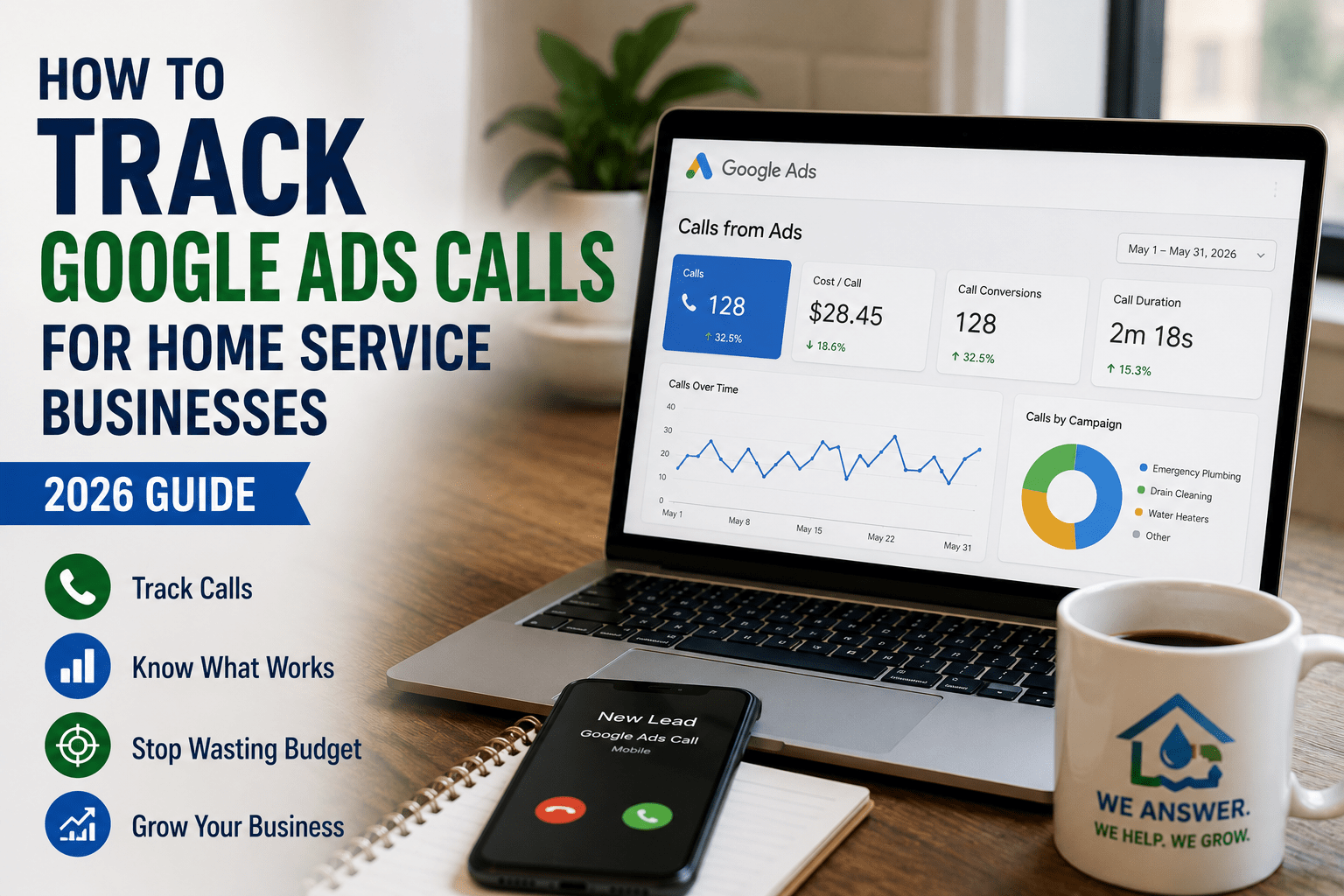
To track Google Ads calls for home service businesses, you need to know which keywords are generating real jobs — and which ones are quietly draining your budget. Without it, you are spending money every month with no idea which ads are working, which calls are converting, and where your spend is being wasted.
For HVAC companies, plumbers, and water damage restoration businesses, the phone call is everything. A form fill is nice — but a call is a booked job. Without proper call tracking, you cannot optimize your campaign, justify your spend, or scale what is working.
In this guide:
- Why call tracking is non-negotiable for home services
- 3 methods compared — free vs. paid
- Complete step-by-step setup
- How to use call data to grow revenue
- Common mistakes and how to avoid them
Why Does Call Tracking Matter for Home Service Businesses?
Home service customers do not fill out forms. They call.
When someone’s AC breaks down in July or their basement is flooding, they are not going to submit a contact form and wait 24 hours for a reply. They pick up the phone and call the first company that answers.
The data confirms this behavior:
- 65% of home service customers prefer calling over filling out an online form (BrightLocal Local Consumer Review Survey, 2023)
- 78% of emergency home service calls happen the same day — customers simply do not wait (ServiceTitan Home Services Benchmark Report, 2023)
- The average Google Ads cost-per-click in home services runs $6–$30 per click (WordStream Industry Benchmarks, 2024) — every untracked call is wasted spend you cannot recover
Without call tracking, you cannot answer these five critical questions:
- Which keyword generated that call?
- Which ad did the customer click before calling?
- What time of day do most calls come in?
- Which calls actually turned into booked jobs?
- Is my Google Ads budget generating a positive ROI?
Call tracking answers all of them — and gives you the data to make your campaigns dramatically more profitable over time.
3 Ways to Track Google Ads Calls for Home Service Businesses
There are three main methods for tracking calls from Google Ads. Each works differently and serves a different purpose.
Method 1: Google Ads Built-In Call Tracking (Free)
Google Ads has its own built-in call tracking at no extra cost. It works by showing a unique Google forwarding number in your ad instead of your real business number. When someone calls that number, Google records it as a conversion and forwards the call to your actual phone.
What it tracks:
- Calls directly from your ad via call extensions
- Calls from your website after someone clicked your ad
- Call duration, time, and date
How to set it up:
- Log into your Google Ads account
- Click Goals in the left menu → Conversions → New conversion action
- Select Phone calls
- Choose Calls from ads using call extensions for direct ad calls
- Set your minimum call duration to 60 seconds (shorter calls are almost always wrong numbers or spam)
- Save and apply to your campaigns
For website call tracking, follow the same steps but choose “Calls to a phone number on your website” and install the Google tag on your site — your web developer can complete this in about 10 minutes.
Best for: Home service businesses that want basic call data without paying for a third-party tool.
Method 2: CallRail — Recommended for Most Home Service Businesses
CallRail is the most popular call tracking tool for home service businesses. According to BrightLocal’s 2023 survey, 58% of home service marketing agencies use CallRail for their clients — and for good reason.
What CallRail tracks that Google does not:
- Full call recordings — listen to every call
- Caller name and number — know exactly who is calling
- Exact keyword attribution — see which keyword triggered each call
- Which page they were on when they called
- Auto-generated call transcriptions
- Lead scoring — mark calls as good leads, bad leads, or spam
- All-source tracking — not just Google Ads, but every channel
Pricing: Starts at $45/month. See CallRail’s current pricing here.
Real impact: Home service businesses using CallRail reduce wasted ad spend by an average of 28% within the first 90 days by identifying low-quality keywords and wrong-number calls (CallRail 2023 Customer Study).
How to connect CallRail to Google Ads:
- Create a CallRail account at callrail.com
- Set up a tracking number pool for your website
- Install the CallRail script on your website
- Connect CallRail to your Google Ads account under Integrations
- CallRail automatically sends call conversion data back into Google Ads
For HVAC, plumbing, and water damage companies, CallRail is worth every dollar. Listening to call recordings immediately tells you whether your ads are attracting the right customers — or the wrong ones.
Method 3: WhatConverts
WhatConverts is another strong option, especially for agencies managing multiple home service clients. It tracks calls, forms, chats, and transactions all in one dashboard.
Best for: Agencies or larger home service companies managing complex campaigns across multiple locations.
Pricing: Starts at $30/month
Step-by-Step: Setting Up Google Ads Call Tracking from Scratch
Step 1: Create Your Google Ads Conversion Action
- Go to your Google Ads account
- Click Goals → Conversions → New conversion action
- Select Phone calls
- Name it clearly: “60 Second+ Phone Call”
- Set minimum call duration to 60 seconds
- Optionally set a conversion value — enter your average job value (e.g., $300 for a plumbing call)
- Click Save
Step 2: Add Call Assets to Your Campaigns
Call assets (formerly call extensions) show your phone number directly in your Google Ad on mobile. This lets customers call you without even visiting your website.
- In Google Ads, go to Assets → Call
- Click the blue + button
- Enter your business phone number
- Set a call schedule matching your business hours (do not show your number at 2am if you do not answer)
- Apply to all campaigns or specific campaigns
Step 3: Install the Google Tag on Your Website
For website call tracking to work, the Google tag must be installed on every page of your website.
- In Google Ads, go to Goals → Conversions
- Click your phone call conversion action
- Click “Set up tag”
- Copy the global site tag code
- Paste it into the
<head>of every page on your website
WordPress users: Install the Google Site Kit plugin — it handles this automatically.
Step 4: Add the Phone Snippet to Your Website
After installing the global site tag, add a second small piece of code next to your phone number on your website. This tells Google which number to swap with the tracking number. A developer can complete this in 5 minutes, or Site Kit handles it automatically if you use a page builder like Elementor.
Step 5: Test Your Tracking
- Click your own Google Ad from a mobile device
- Call the number that appears on your website
- Stay on the line for at least 60 seconds
- Check Google Ads → Conversions report a few hours later — the call should appear
How to Use Call Data to Improve Your Home Service Google Ads
Setting up tracking is step one. Using the data is where the real money is made.
1. Find Your Best Keywords
In Google Ads, go to Reports → Search Terms and filter by conversions. You will see exactly which search terms generated phone calls. Double down on these — increase bids, add them as exact match keywords, and write specific ads targeting them.
2. Cut Wasted Spend
Look for keywords with many clicks but zero calls. These are costing you money and generating nothing. Add them to your negative keyword list immediately or lower bids significantly.
One HVAC company using this method identified $800/month in wasted spend within the first 30 days — simply by adding three non-converting keywords to their negative list.
3. Optimize Ad Scheduling
Check what time of day and day of week your calls come in. In Google Ads, go to Reports → Time and look at conversions by hour. According to ServiceTitan’s 2023 benchmark report, 67% of HVAC emergency calls arrive on weekdays between 7am and 6pm.
If your data shows a similar pattern:
- Increase bid adjustments by 20–30% during peak hours
- Reduce bids at night when calls rarely convert
4. Listen to Calls (With CallRail)
If you use CallRail, set aside 30 minutes every week to listen to a sample of calls. You will quickly learn:
- Are customers asking about something your ads do not mention?
- Are you getting calls from outside your service area?
- Are staff answering calls properly and booking jobs?
- Are certain keywords attracting low-quality callers?
This information is impossible to get from click data alone.
Common Call Tracking Mistakes Home Service Businesses Make
| Mistake | Why It Hurts | Fix |
|---|---|---|
| Setting minimum call duration too low | Spam and wrong numbers inflate your data | Set minimum to 60 seconds |
| Not connecting CallRail to Google Ads | Google optimizes for clicks, not calls | Connect under Integrations — takes 10 minutes |
| Recording calls but never reviewing them | Data collects, nothing improves | Block 30 minutes weekly for call review |
| Using one phone number everywhere | Cannot identify which source drives calls | Separate tracking number for each channel |
| Not tracking Google Business Profile calls | Free GBP leads go unmeasured | Add a dedicated CallRail number to your GBP listing |
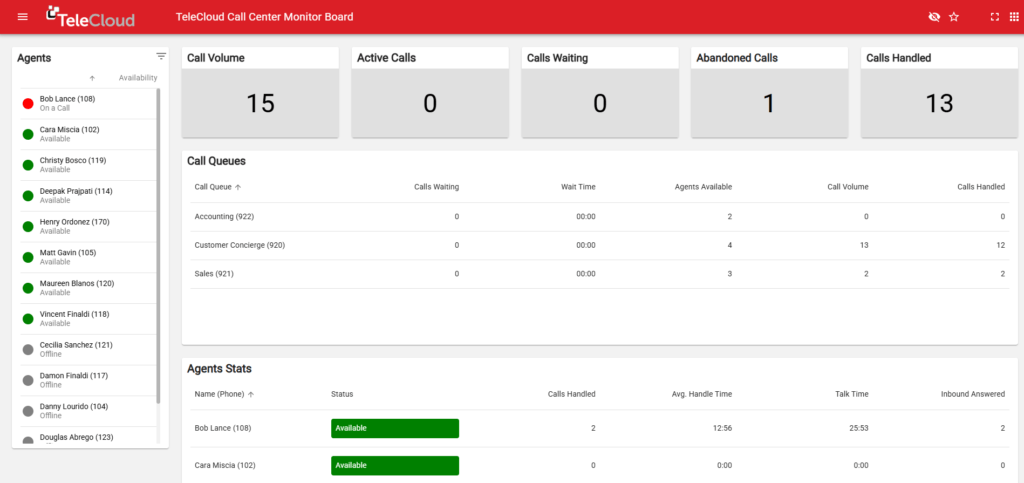
What a Good Call Tracking Dashboard Looks Like
After 30 days of proper tracking, your Google Ads account should clearly show:
| Metric | What It Tells You |
|---|---|
| Calls by keyword | Which keywords are worth bidding on |
| Calls by time of day | When to increase or decrease bids |
| Calls by campaign | Which campaigns are profitable |
| Call duration | Whether calls are real conversations |
| Cost per call | Your true cost per lead |
| Calls by device | Whether mobile deserves a higher bid |
When you have this data, every budget decision becomes clear. You stop guessing and start scaling what actually works.
How Much Does Call Tracking Cost?
| Tool | Monthly Cost | Best For |
|---|---|---|
| Google Ads Built-In | Free | Getting started, basic data |
| CallRail | $45–$145 | Most home service businesses |
| WhatConverts | $30–$100 | Agencies, multi-location |
For most HVAC, plumbing, and water damage companies, Google’s free tracking plus CallRail is the ideal combination. Google handles campaign optimization; CallRail gives you recordings and deeper insights.
Looking for expert Google Ads management?
Explore our specialized services for:
Every campaign includes conversion tracking, keyword-level call attribution, and ongoing optimization to help you generate more qualified leads.
Final Thoughts
Tracking Google Ads calls for home service businesses is not optional — it is the foundation of any profitable campaign. Without it, you are spending money without knowing what it is producing.
The setup takes a few hours. The payoff is knowing exactly where every dollar goes and being able to cut waste, double down on winners, and grow your revenue with confidence.
According to BrightLocal’s 2023 research, home service businesses using proper call tracking improve their Google Ads ROI by an average of 40% within the first six months — because every decision is based on real data, not guesswork.
At EZEGrow, every campaign we manage includes full call tracking setup and monthly reporting. You will always know exactly how many calls your ads generated, which keywords drove them, and what your cost per lead is.
Book a Free Google Ads Audit →
Frequently Asked Questions
How do I track calls from Google Ads for my home service business?
The easiest way is to use Google Ads built-in call tracking — it is free and takes about 30 minutes to set up. For deeper insights like call recordings and keyword-level attribution, use a third-party tool like CallRail alongside Google’s native tracking.
Does Google Ads track phone calls automatically?
No — call tracking must be set up manually. You need to create a phone call conversion action in Google Ads and either add call assets to your ads or install the Google tag on your website for website call tracking.
What is the best call tracking tool for HVAC and plumbing companies?
CallRail is the most popular and most recommended call tracking tool for home service businesses. It provides call recordings, keyword attribution, transcriptions, and integrates directly with Google Ads.
How long should a call be to count as a conversion?
For home service businesses, we recommend setting the minimum call duration to 60 seconds. This filters out wrong numbers and spam calls, ensuring only genuine customer conversations count as conversions in your Google Ads account.
Can I track calls from my Google Business Profile separately from my Google Ads?
Yes — use a separate CallRail tracking number on your Google Business Profile listing. This lets you measure how many calls come from GBP versus Google Ads versus your website, giving you a complete picture of your lead sources.
EZEGrow manages Google Ads exclusively for HVAC, plumbing, and water damage restoration companies across the US. Flat fee. Month-to-month. Book your free audit →
Helpful Resources

Zeeshan Ali is the Founder of EZEGrow, a Google Ads management agency specializing in HVAC, plumbing, and water damage restoration companies across the United States. He focuses on lead generation, call tracking, campaign optimization, and helping home service businesses grow through data-driven Google Ads strategies.