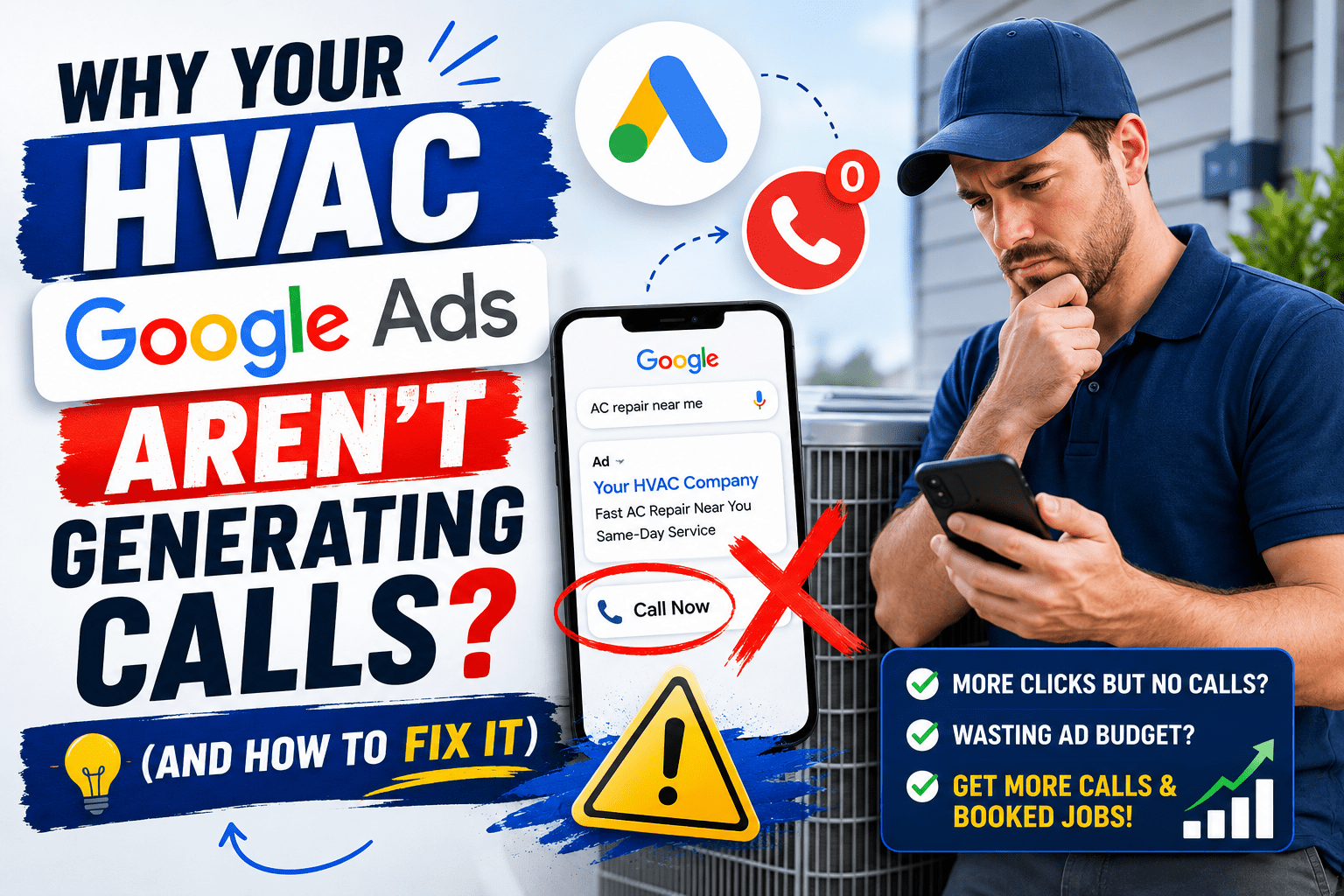
HVAC Google Ads not generating calls is one of the most frustrating problems a heating and cooling business can face — you are spending money every month, but the phone barely rings. The good news: this is almost always fixable, and in most cases the problem comes down to a handful of campaign mistakes that can be corrected in a single afternoon.
In this guide, we will walk through the exact reasons this happens and how to fix each one fast.
In this guide:
- Wrong keywords — the #1 budget killer
- Empty negative keyword list
- Ads running at the wrong times
- Sending traffic to your homepage
- Weak ad copy
- Missing call extensions
- Location targeting errors
- Low Quality Score
- No call tracking
- Budget too small for your market
Reason #1: You Are Targeting the Wrong Keywords
This is the single most common mistake in HVAC Google Ads accounts. Many HVAC companies set up campaigns with broad keywords like “HVAC” or “air conditioning.” The problem? These keywords attract people who are researching, comparing prices, or even looking for HVAC jobs — not homeowners ready to book a service call right now.
According to WordStream’s 2024 data, broad match keywords waste an average of 45% of Google Ads budget in home service campaigns because they trigger irrelevant searches.
The Fix: Target High-Intent Keywords Only
You want keywords that show buying intent — called commercial or transactional keywords. Examples:
- “AC repair near me”
- “emergency HVAC repair [city]”
- “furnace not working”
- “HVAC company [city]”
- “AC installation cost”
Avoid broad, informational keywords like:
- “how does HVAC work”
- “HVAC tips”
- “what is a heat pump”
These people are not calling anyone — they are just reading.
Action step: Go into your Google Ads account, click Search Terms under your campaign, and look at what searches are actually triggering your ads. You will likely find dozens of irrelevant searches eating your budget. Use Google’s free Keyword Planner to find high-intent HVAC keywords in your market.
Reason #2: Your Negative Keyword List Is Empty
Even with good keywords, Google’s broad match will show your ads for searches you would never want — like “HVAC jobs near me,” “HVAC certification courses,” or “DIY AC repair.”
If someone looking for an HVAC job clicks your ad, that is $10–$20 down the drain. According to Google’s Smart Bidding research, unmanaged accounts waste 20–40% of monthly budget on irrelevant clicks — and it happens hundreds of times a month.
The Fix: Build a Negative Keyword List Immediately
Add these to your negative keywords right now:
- jobs, careers, hiring, employment
- DIY, how to, repair yourself
- certification, school, training, course
- wholesale, parts, supplies
- free, cheap (depending on your positioning)
Review your Search Terms report weekly in the first month and add new negatives as you spot irrelevant traffic.
Reason #3: Your Ads Are Showing at the Wrong Times
If your HVAC company does not answer calls after 6pm or on weekends, but your ads are running 24/7 — you are paying for clicks from people you will never actually reach.
A missed call in the HVAC business is almost always a lost job. According to ServiceTitan’s 2023 Home Services Benchmark Report, 78% of customers who call an HVAC company and get no answer will call a competitor within 5 minutes.
The Fix: Set an Ad Schedule
- Go to your campaign settings in Google Ads
- Click Ad Schedule
- Set hours that match exactly when your phones are answered
- If you take emergency calls after hours, keep those running
- If not, pause ads completely outside business hours
Pro tip: Increase bids during your highest-converting hours. Most HVAC companies see the most booked jobs from calls between 8am–12pm on weekdays.
Reason #4: You Are Sending Traffic to Your Homepage
This is a budget killer that most HVAC owners never realize. When someone searches “AC repair Dallas” and clicks your ad, they land on your homepage — which talks about company history, all services, the team, maybe a blog. The customer gets confused, does not see what they need immediately, and leaves.
Google calls this a poor landing page experience — and it raises your costs. According to Google’s Quality Score documentation, a poor landing page can increase your CPC by 25–50% compared to a relevant dedicated page.
The Fix: Create Dedicated Landing Pages
Each service needs its own page:
- AC repair ad → AC Repair landing page
- Furnace installation ad → Furnace Installation landing page
- Emergency HVAC ad → Emergency Service landing page
Each landing page must have:
- A clear headline matching the ad (“Fast AC Repair in Dallas — Same Day Service”)
- Phone number at the top, large and click-to-call on mobile
- A short form for non-callers
- 3–5 trust signals (reviews, years in business, licenses)
- No navigation menu — remove distractions
According to Unbounce’s 2023 Conversion Benchmark Report, dedicated landing pages convert at 2–5x the rate of a homepage — cutting cost per lead by 40–60%.
Reason #5: Your Ad Copy Is Not Compelling Enough
In Google Ads, you are competing with 3–7 other HVAC companies for the same spot. If your ad looks identical to theirs, customers just click the first result or the one with the most reviews.
The Fix: Write Ads That Stand Out
Weak ad copy:
“Smith HVAC — Heating and Cooling Services. Call Today.”
Strong ad copy:
“AC Out? We’re There in 2 Hours — Same-Day Repair, No Weekend Fees. Call Now.”
The difference? The second ad addresses the customer’s pain, gives a specific promise, removes a common objection, and has a clear call to action.
4 elements every high-converting HVAC ad must have:
- Response time — “2-Hour Response,” “Same-Day Service,” “Available 24/7”
- Specific differentiator — flat rate pricing, no overtime fees, 100% satisfaction guarantee
- Numbers and proof — “Serving Dallas Since 1998,” “4.9★ on Google”
- Strong CTA — “Call Now,” “Book Online,” “Get a Free Quote”
Reason #6: You Are Not Using Call Extensions
If your Google Ads do not show a phone number directly in the ad, you are missing easy calls.
Call assets (formerly call extensions) add your phone number directly to your ad on mobile — so customers can call with one tap, without even visiting your website. According to Google’s own data, ads with call assets see a 10–15% higher CTR on mobile compared to ads without them.
The Fix: Add Call Assets to Every Campaign
- In Google Ads, go to Assets → Call
- Click the blue + button
- Add your business phone number
- Set it to show only during business hours if you do not take after-hours calls
- Consider Call-Only Ads for mobile — where the only action is a phone call
For HVAC emergency services, call-only ads convert extremely well because the customer’s only option is to call you immediately.
Reason #7: Your Location Targeting Is Off
Many HVAC campaigns are set up with location targeting that is either too broad (entire state) or incorrectly configured.
There is also a sneaky Google default setting called “Presence or interest” — which shows your ads to people who are interested in your location, not just physically located in your service area. This can mean your Dallas HVAC ads show to someone in Chicago researching Dallas real estate.
The Fix: Tighten Your Location Settings
- Go to Campaign Settings → Locations
- Change targeting to “Presence: People in or regularly in your targeted locations” only
- Target by zip codes or radius around your service area — not the entire city or state
- Explicitly exclude locations you do not serve
Reason #8: Your Quality Score Is Low
Google grades your ads with a Quality Score (1–10) based on three factors:
- Keyword relevance to your ad
- Ad relevance to your landing page
- Expected click-through rate
A low Quality Score means Google charges you more per click and shows your ads less often. According to WordStream’s 2024 analysis, a Quality Score of 6 vs 4 can reduce your effective CPC by 25–30% — meaning better ads cost less money.
The Fix: Improve Relevance at Every Step
The keyword → ad → landing page must all be closely related.
Example of a high-Quality Score setup:
- Keyword: “furnace repair Chicago”
- Ad headline: “Furnace Repair in Chicago — Same Day Service”
- Landing page headline: “Chicago Furnace Repair — Fast, Reliable, Affordable”
Everything matches. Google rewards this with lower CPCs and better ad placement.
Reason #9: You Have No Call Tracking
If you do not know which keywords and ads are generating calls, you cannot optimize anything. Most HVAC owners say “I got some calls last month” but cannot tell you which ad, which keyword, or which time of day drove those calls.
According to BrightLocal’s 2023 research, home service businesses with proper call tracking improve Google Ads ROI by an average of 40% within the first six months because every decision is based on real data.
The Fix: Set Up Call Tracking Today
- In Google Ads, go to Goals → Conversions → New conversion action
- Select Phone calls
- Set minimum call duration to 60 seconds (filters out wrong numbers)
- Install the Google tag on your website
For deeper tracking — call recordings, keyword-level attribution, and lead scoring — use CallRail alongside Google’s built-in tracking. Once you have data, you can double down on what is working and cut what is not.
Reason #10: Your Budget Is Too Small for Your Market
In highly competitive HVAC markets like Phoenix, Miami, Houston, and Atlanta, CPCs run $15–$35 per click (WordStream, 2024). If your monthly budget is $300–$500, you might get 10–20 clicks per month — not nearly enough to generate consistent calls.
Google Ads is a volume game. According to Google’s own Smart Bidding documentation, campaigns need a minimum of 50 conversions per month for automated bidding strategies to optimize effectively.
The Fix: Match Your Budget to Your Market
As a general rule, aim for at least 100–150 clicks per month before drawing conclusions about whether Google Ads is working. In most HVAC markets, that means a minimum of $1,000–$2,000/month to run an honest test.
If budget is tight:
- Focus on a narrower service area
- Target only 2–3 of your highest-margin services first
- Run ads only during peak hours to stretch your budget further
Quick Diagnostic: Why Are My HVAC Ads Not Generating Calls?
| Symptom | Likely Cause | Fix |
|---|---|---|
| Lots of impressions, few clicks | Weak ad copy or low bids | Rewrite ads with specific promises and CTAs |
| Clicks but no calls | Bad landing page, no click-to-call | Dedicated landing page with phone number at top |
| Calls but wrong leads | Wrong keywords, missing negatives | Build negative keyword list, switch to exact match |
| Ads not showing at all | Budget too low, low Quality Score | Increase budget or improve keyword-ad-page relevance |
| Calls drop off after hours | No ad scheduling set | Set ad schedule to match business hours |
| High spend, zero results | Broad match keywords eating budget | Switch to phrase match and exact match |
The Bottom Line
If your HVAC Google Ads are not generating calls, the problem is not Google Ads — it is the campaign setup. Every issue on this list is fixable, and most can be addressed in a single afternoon if you know what to look for.
The challenge is that most HVAC business owners are running their company, managing technicians, and handling customers — they do not have time to audit ad accounts and chase Quality Scores. That is where a specialist agency makes all the difference.
If your campaigns still aren’t producing enough calls, explore our Google Ads for HVAC service to see how we build high-performing campaigns for heating and cooling companies.
Frequently Asked Questions
Why are my Google Ads getting clicks but no calls?
The most common reason is a poor landing page experience. If customers land on a generic homepage with no clear call-to-action or clickable phone number, they’ll leave without calling. Create a dedicated landing page for each service with a prominent phone number at the top.
How do I know if my HVAC Google Ads are working?
Set up call conversion tracking in Google Ads. This tells you exactly which keywords and ads are generating phone calls. Without tracking, you can’t measure results or optimize your campaign.
What is a good click-through rate for HVAC Google Ads?
A good CTR for HVAC Google Ads is 5–10%. If your CTR is below 3%, your ad copy needs improvement or your keywords are too broad.
How long should I run Google Ads before expecting calls?
You should see your first calls within the first 1–2 weeks of a properly set up campaign. If you’ve been running for 30+ days with no calls, there’s a setup problem that needs to be fixed.
Should I use broad match or exact match keywords for HVAC?
Start with phrase match and exact match keywords for better control. Broad match can work but requires an aggressive negative keyword list and close monitoring — otherwise it wastes significant budget on irrelevant searches.
EZEGrow manages Google Ads exclusively for HVAC, plumbing, and water damage restoration companies across the US. Flat fee. Month-to-month. No fluff. Book a free audit →
Helpful Resources

Zeeshan Ali is the Founder of EZEGrow, a Google Ads management agency specializing in HVAC, plumbing, and water damage restoration companies across the United States. He focuses on lead generation, call tracking, campaign optimization, and helping home service businesses grow through data-driven Google Ads strategies.